Catalyzer
There are two modes available with Catalyzer:
1. Graphical User Interface (GUI)
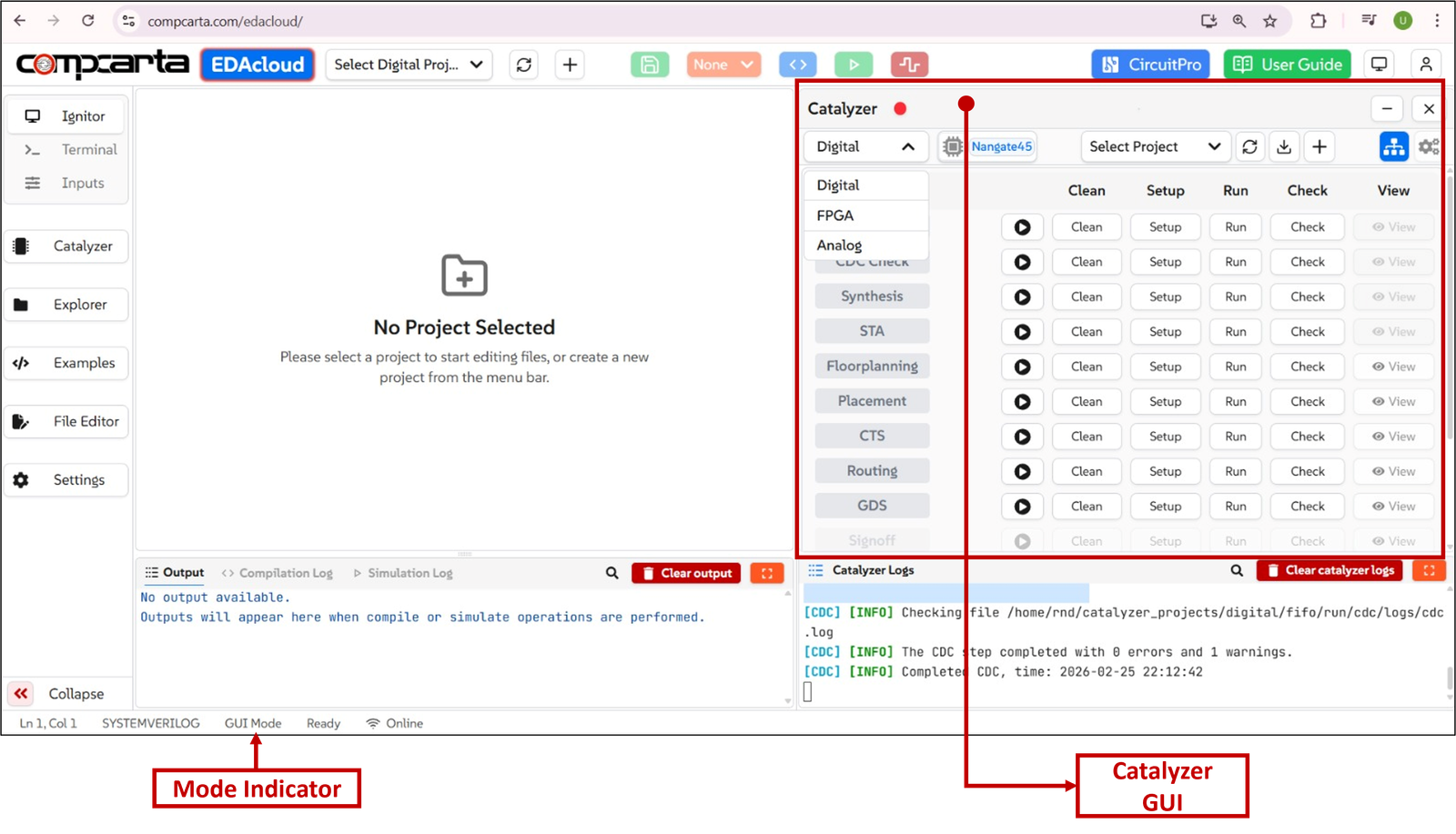
The Graphical User Interface (GUI) mode offers users an intuitive interface, allowing them to execute the entire Physical Design flow, including Synthesis and CDC Analysis, with simple click-based options.
The figure below shows the UI view of the GUI mode of Catalyzer.
2. Command Line Interface (CLI) or Terminal
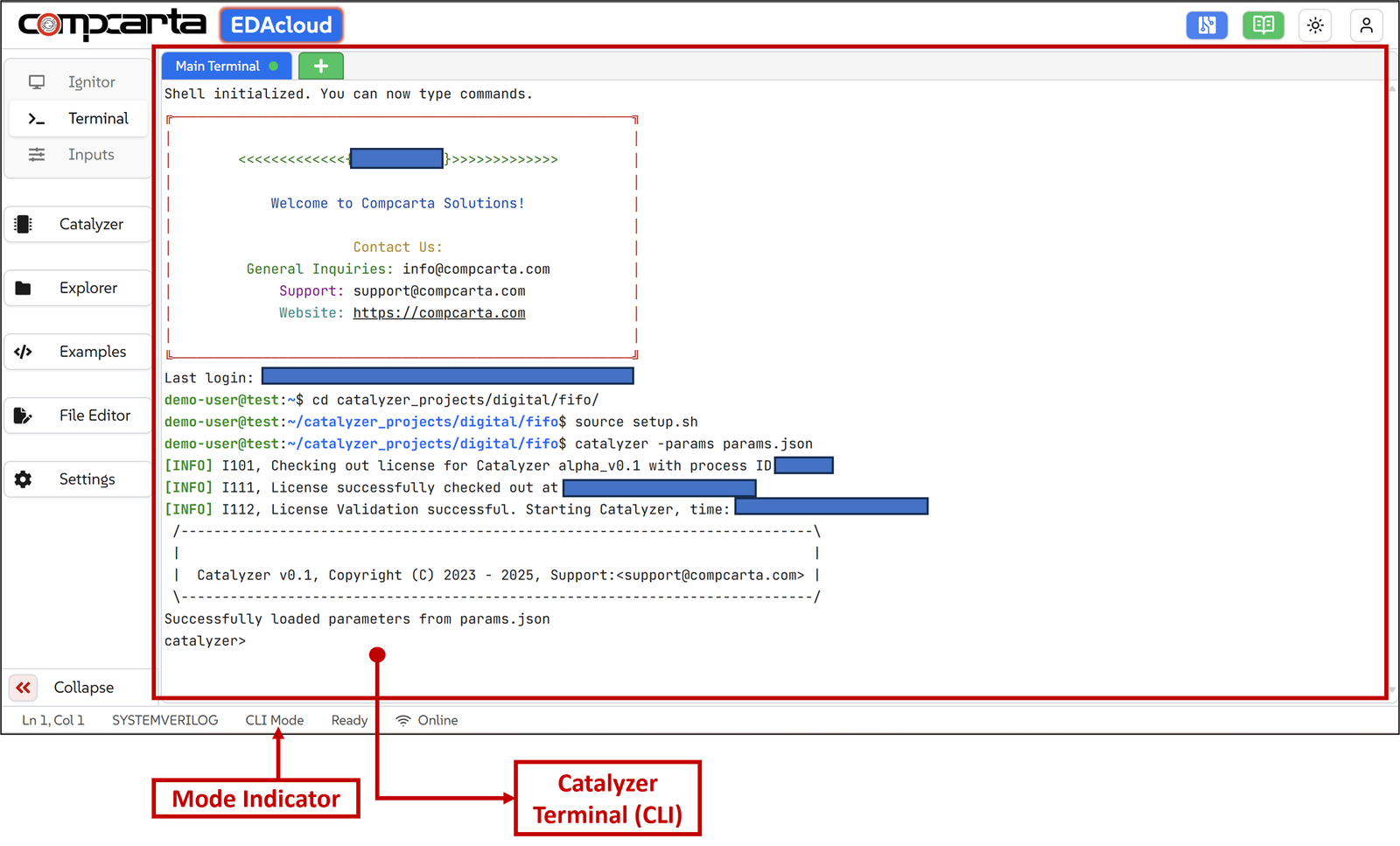
The Command Line Interface (CLI) mode provides the users with a bash terminal where users can explore different directories in their work area, scripts, log files, design and setup files. It also gives users the flexibility to access Catalyzer provided command line shells of various tools from different steps. Using that shell, users get better control and understanding of commands at each step.
The figure below shows the UI view of CLI mode of Catalyzer.